Fast, reliable checkout
A simple screen staff can learn in minutes, built for busy periods and unreliable internet.
Industry solutions / Point of Sale
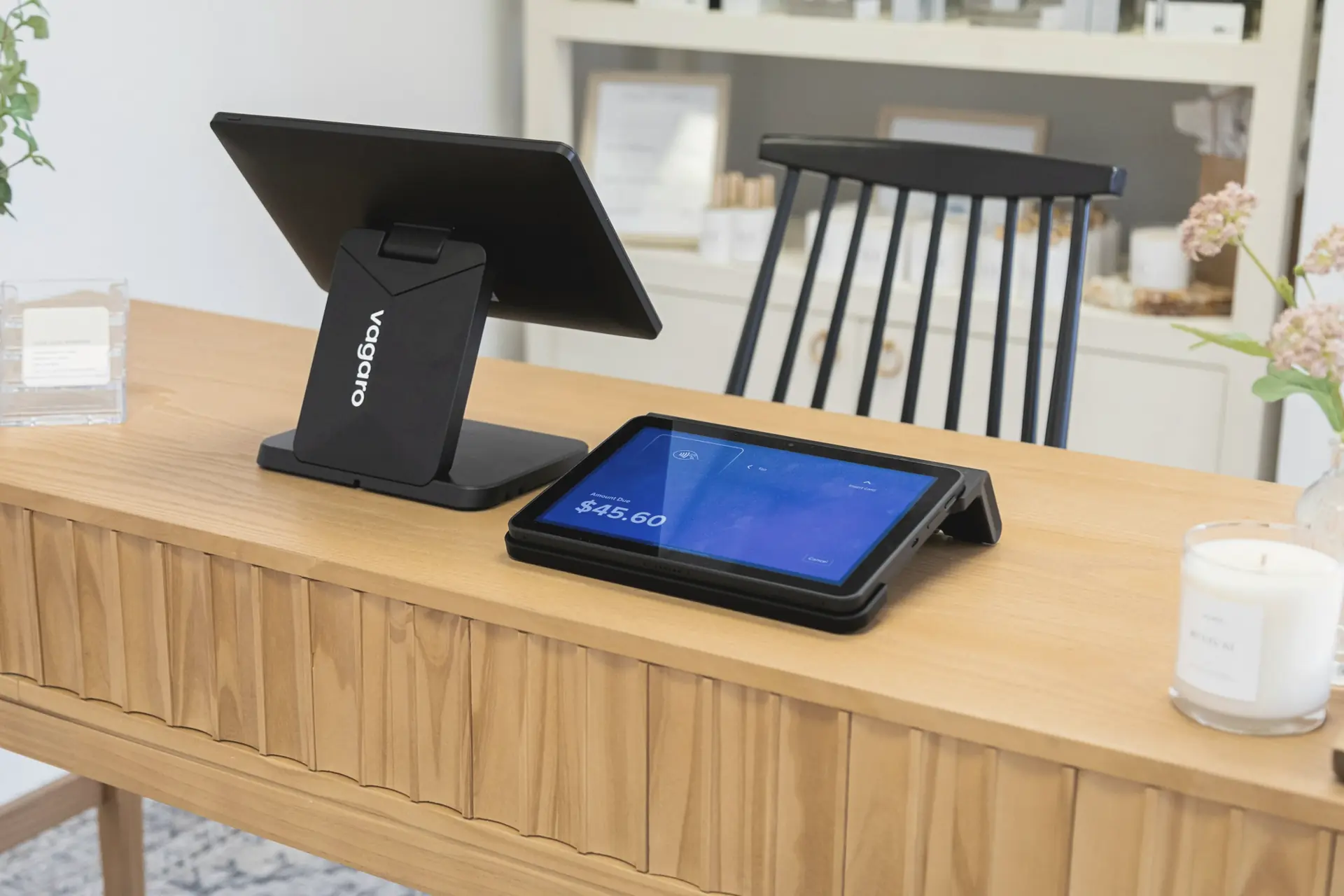
Point-of-sale software that handles sales, bookings, and payments smoothly, and sends clean numbers to inventory and accounting every time.
How I’d approach it
At the counter, speed and simplicity are everything. I design the checkout around the handful of things staff do hundreds of times a day, and make the awkward cases, like refunds and split payments, easy to find instead of buried.
Behind the counter, every sale should flow cleanly into stock, customer records, and accounting. I also plan for the bad days: the internet dropping, a terminal failing, or a rush at closing time. Sales keep going and catch up safely once things are back to normal.
I work directly with card terminals, receipt printers, cash drawers, and barcode scanners, so hardware and software are tested together.
What the software can handle
Typical areas I build for. Most projects start with one or two of these and grow from there.
A simple screen staff can learn in minutes, built for busy periods and unreliable internet.
Card terminals, receipt printers, cash drawers, and scanners that work together properly.
For service businesses, link the appointment, the client record, and the sale.
Recognize returning customers, track visits, and run simple loyalty or membership programs.
Every sale adjusts inventory automatically, across every till and location.
End-of-day totals, sales summaries, and accounting exports that balance without manual fixes.
What it can look like
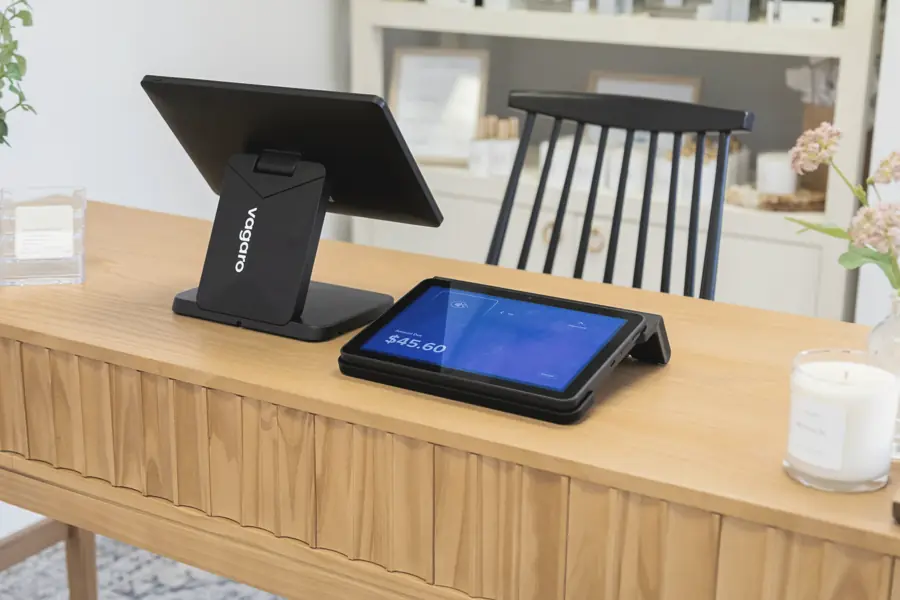
Examples of the kinds of screens and tools I build for this kind of work.
How a project runs
Small, steady steps with something real to look at early, and you involved the whole way through.
Watch real transactions, including the awkward ones, to see where staff get slowed down.
Develop the checkout using your actual terminals and printers, not just a laptop.
Trial it at one location, then roll out with training and a clear backup plan.
Let's talk about point of sale
Tell me what’s getting in the way. I’ll give you an honest view of the options, even if the answer is a small fix.